
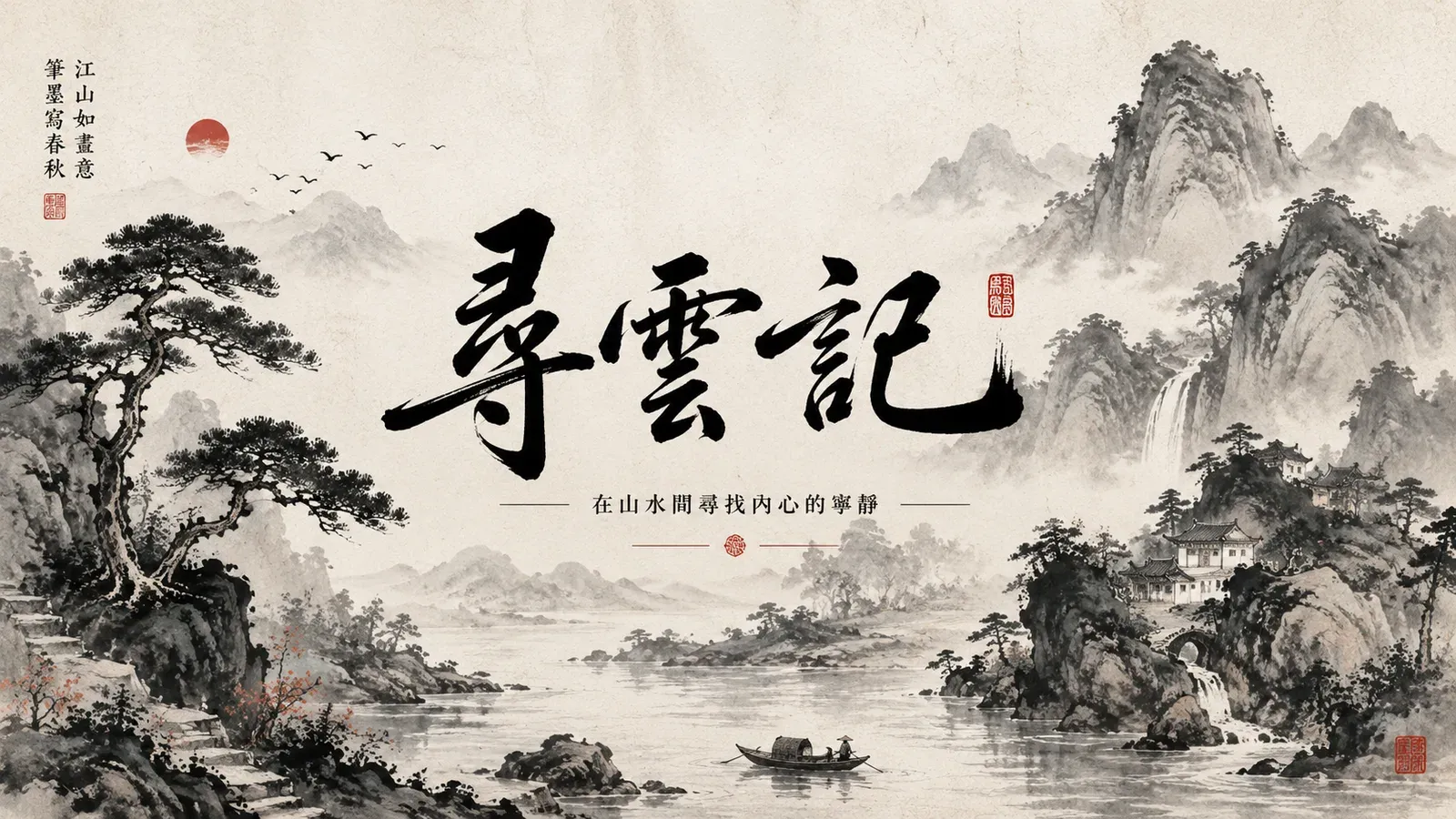
Clean transparent-background character PNGs are great for notes, slides, and aesthetic study setups, and wanting them is completely reasonable. It is worth being honest, though, that this is a design task, not a learning one. Making a beautiful PNG of 學 and being able to write 學 from memory are unrelated, and conflating them is a quiet way to feel productive while not learning.
The design need, met simply
If you want transparent-background Hanzi images, you do not need a learning app at all. Use a design or image tool:
- Type the character in a nice font (a calligraphic or clean sans font, whatever your aesthetic).
- Export with a transparent background from a vector or image editor.
- Drop it into your notes, slides, or StudyTok layouts.
That is the whole job, and it lives in graphics software, not in a study tool. Treating it as a quick design task keeps it in its lane.
Why this is not learning
Generating an image of a character is the opposite of producing it from memory. The character is supplied by a font; you arrange and export it. Nothing is recalled, nothing is written by hand, so nothing about your ability to write improves. It is the same trap as collecting beautiful references or building the perfect Notion template: the output looks like study, but the skill is untouched. The real skill is recall, as we cover in the case for a dedicated Hanzi writing app.
Aesthetic study setups are genuinely motivating, and motivation matters. Just keep the line clear: the pretty PNG is decoration; the learning happens elsewhere.
What actually builds writing ability
- Produce characters from memory, not from a font, see blind drawing for Chinese characters.
- Get stroke and structure feedback, see Hanzi stroke order practice.
- Review on a schedule, so it sticks.
You can absolutely have a gorgeous study aesthetic and real learning, as long as you do both, rather than letting the aesthetic stand in for the work, the same balance we draw in a minimalist Anki alternative.
Where Hanzi Write Practice fits
Hanzi Write Practice is a learning tool, not an export or design utility, and it would be dishonest to pitch it as a PNG generator. It hides the character and makes you write it from memory on a grid, then checks your work, with spaced repetition. Make your transparent PNGs in a design app for the aesthetics; build the actual writing skill here.
Decorate your notes however you like. Just remember the decoration is not the practice.
Join early access and learn the characters behind the pretty PNGs.