
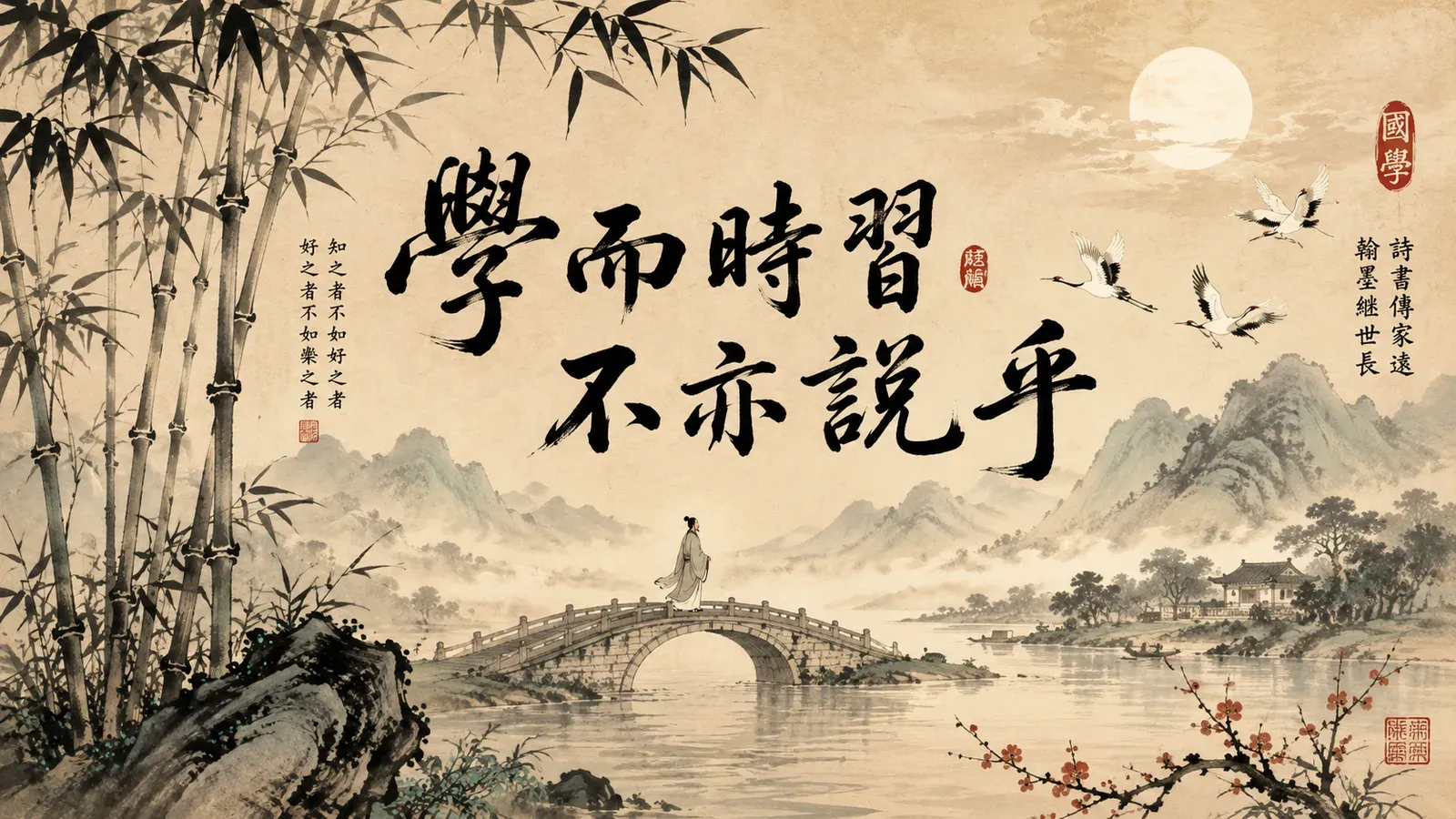
An iPad Pro with an Apple Pencil is a lovely place to trace Chinese calligraphy: the screen is large, the brushes are expressive, and following an elegant character feels meditative. If that is your goal, good tracing and brush apps exist. Just be clear with yourself about which goal you are pursuing, because calligraphy tracing and writing recall are different things, and the best tool depends on which you want.
Two different goals
- Calligraphy and tracing are about the form and the feel: brush control, ink effects, proportion, beauty. You follow a model and reproduce its elegance. This is an art and a craft.
- Writing recall is about being able to produce a character from memory, with nothing to copy, so you can actually write Chinese.
Both are worthwhile. They are simply not the same, and a tool optimised for one is rarely ideal for the other. We make the same point about Skritter in can Skritter teach calligraphy proportions and about pressure in Apple Pencil stroke pressure.
What tracing trains, and does not
Tracing builds real things: brush technique, familiarity with character shapes, a feel for proportion. On an iPad Pro with pressure and good brushes, it is satisfying and useful for the aesthetic side.
What it does not build, by itself, is recall. The character stays in front of you the whole time, so you practise following a known shape, not generating one from memory. That is the recognition-versus-recall gap from the case for a dedicated Hanzi writing app. You can trace a character a hundred beautiful times and still freeze when asked to write it blank.
Which tool for which goal
- Want beautiful brushwork and calligraphy? Use a brush or tracing app, or a general art app with calligraphy brushes, on your iPad Pro. Pair it with proportion grids, see Chinese grid paper templates.
- Want to remember how to write characters? Use from-memory recall practice, where the model is hidden, see blind drawing for Chinese characters.
- Want both? Do both, as separate practices. They reinforce each other but neither replaces the other.
Where Hanzi Write Practice fits, honestly
Hanzi Write Practice is the recall tool, not a calligraphy studio. It is finger-first and built to make you produce characters from memory on a practice grid, then check stroke order, pinyin, and meaning, with spaced repetition. It will not give you expressive brushwork or ink effects, and it would be dishonest to pitch it as a calligraphy app.
So if your search is really for brush-art tracing, get a dedicated app for that. If, underneath the aesthetic appeal, you actually want to be able to write characters, that is the recall side, and that is what we do.
Join early access and build the recall under the artistry.